Saturday, January 3, 2015

Adventures In Cutting Cable: Using PLEX for Videos and Media & Watching Local Video Files On Your Television


One of the cooler things I have begun experimenting with since i have cut cable is the use of the PLEX media server in order to view my videos from a variety of different devices. PLEX requires that you have one main computer connected to the internet(the server) which holds all of your video content and you view the content throught the app on other devices. PLEX assists in helping you organize and view this content.


This has been helpful to me since I own a Roku streaming player and a Chromecast. Now all I need to do is access this application to view videos on these players through my tv is to add the PLEX app. Through the App I have access to the  saved files on my server computer. PLEX makes the setup relatively painless with good directions and you have alot of options through their free account. This service is great if you have a ton off downloaded videos that you would like to watch on your tv.


Beyond the download of the server and adding files you will also need to synch your device with the server through a simple 4 letter code combination. I needed to do this to use my Roku account with PLEX. I guess the final hurdle of having PLEX as your go to is the 4.99 monthly charge for the use of the app which is how most people will use this service.

Watching Local Files Through Chromecast With Videostream App on Chrome Web Store


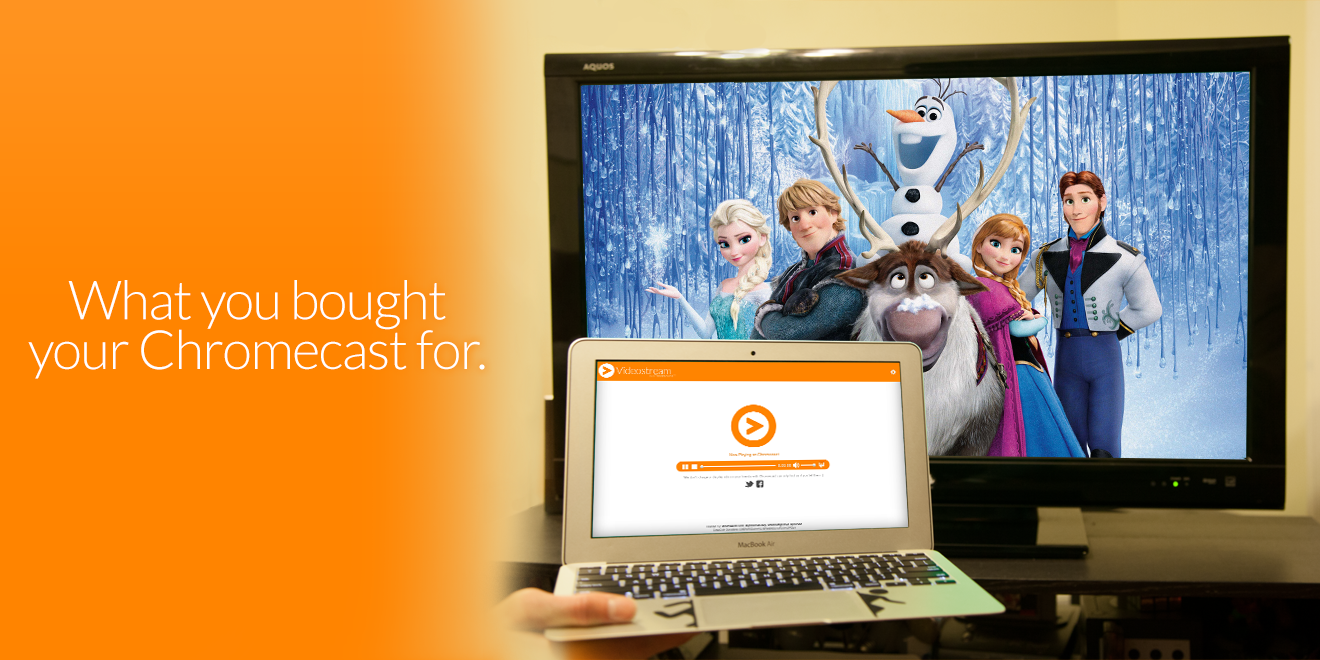
On my Chromecast one challenge is the streaming of local video files to my television set. I was able to solve this with the use of the with the Videostrem Chrome Application. This app has performed well at allowing me to stream a local file off my computer to my television.


This application performs well and so far no surpises with available length of stream or reasons for the premium account. The Premium account offers addtion smartphone capability and ad free experiences none of which have really been a major benefit in the current use of a cable cutter.


Found Here:


Monday, December 8, 2014

Instructional Technology Update Andover High School November 10 -14, 2014 An App, 2 Google Add Ons, Chrome Launcher and Collaboratively Using Forms

Color Splurge App

I have been working with Health Teacher Jackie Salvensen over the course of this year to integrate Google Docs into her courses. A side project she has taken on is the use of iPads in the Yoga class at Andover High School. As part of a station approach to her yogo studies she had students use the app Color Splurge from the Itunes App store on the iPad and edit photographs of themselves and add layers of colors over them. This free app worked really well and allowed students to photograph,edit and email their photos quickly.


bibme.PNG

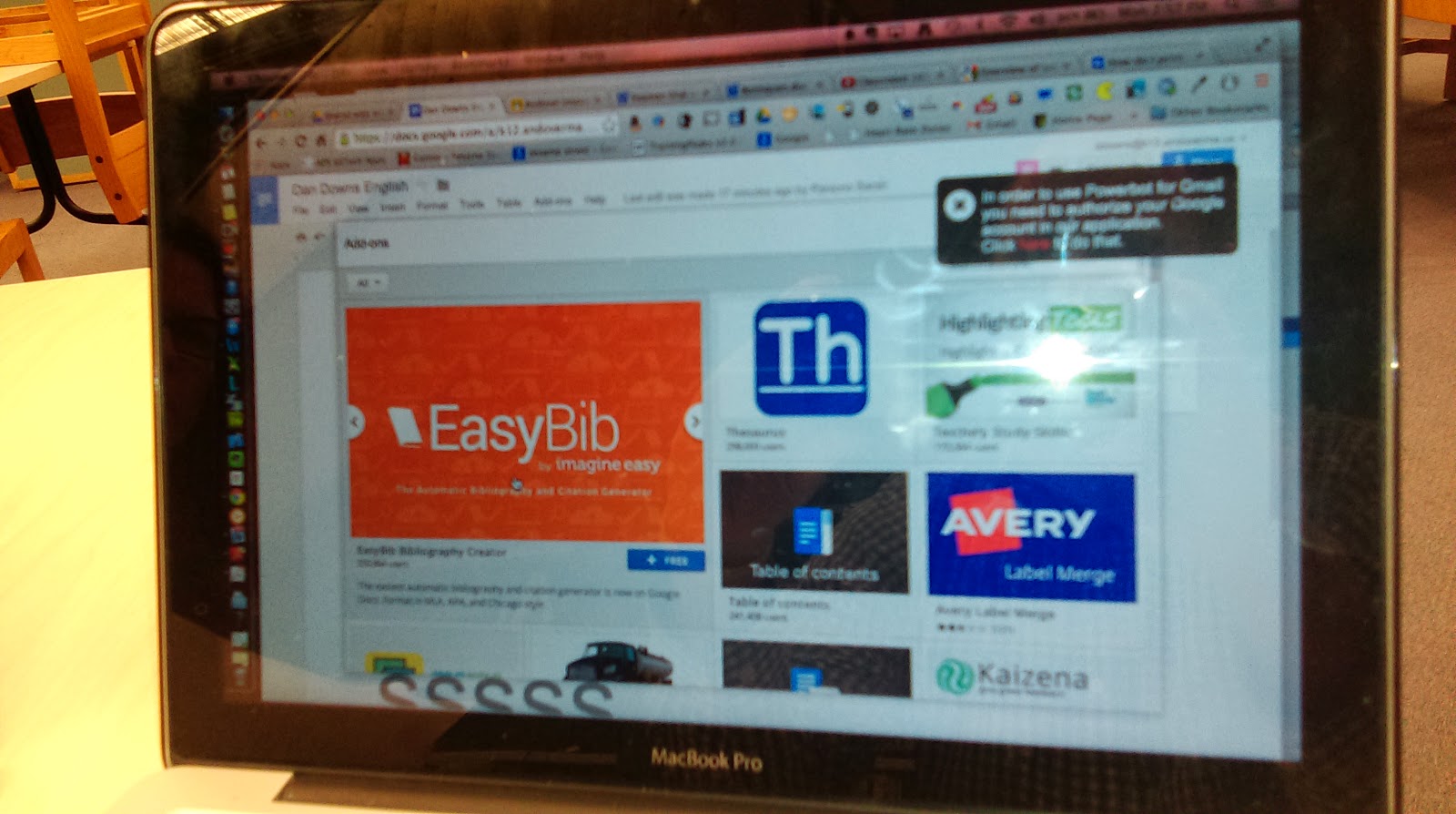
EasyBib Google Docs Add On

This add on for Google Docs can help you and your students in the process of adding citations quickly and in the right format into the bottom of Google Docs. This add on enables you to select text and quickly search the web for the source and creates a well formatted citation at the bottom of the document. This is by far one of the easiest add ons with the biggest upside. It also does not require a Chrome Extension to work which is also a benefit. This add on was introduced to me by John Berube after the MassCUE 2014 conference and we have quickly had teachers jump onto using it.

The “Charts” Google Add OnCharts app.PNG
This add on enables the integration of charts derived from data from Google Spreadsheets to be integrated into Google Docs. This add on can be beneficial to science classes who are charting data and need to write reports and also reports which may have used a form to collect data.


Google Chrome Launcher Extension

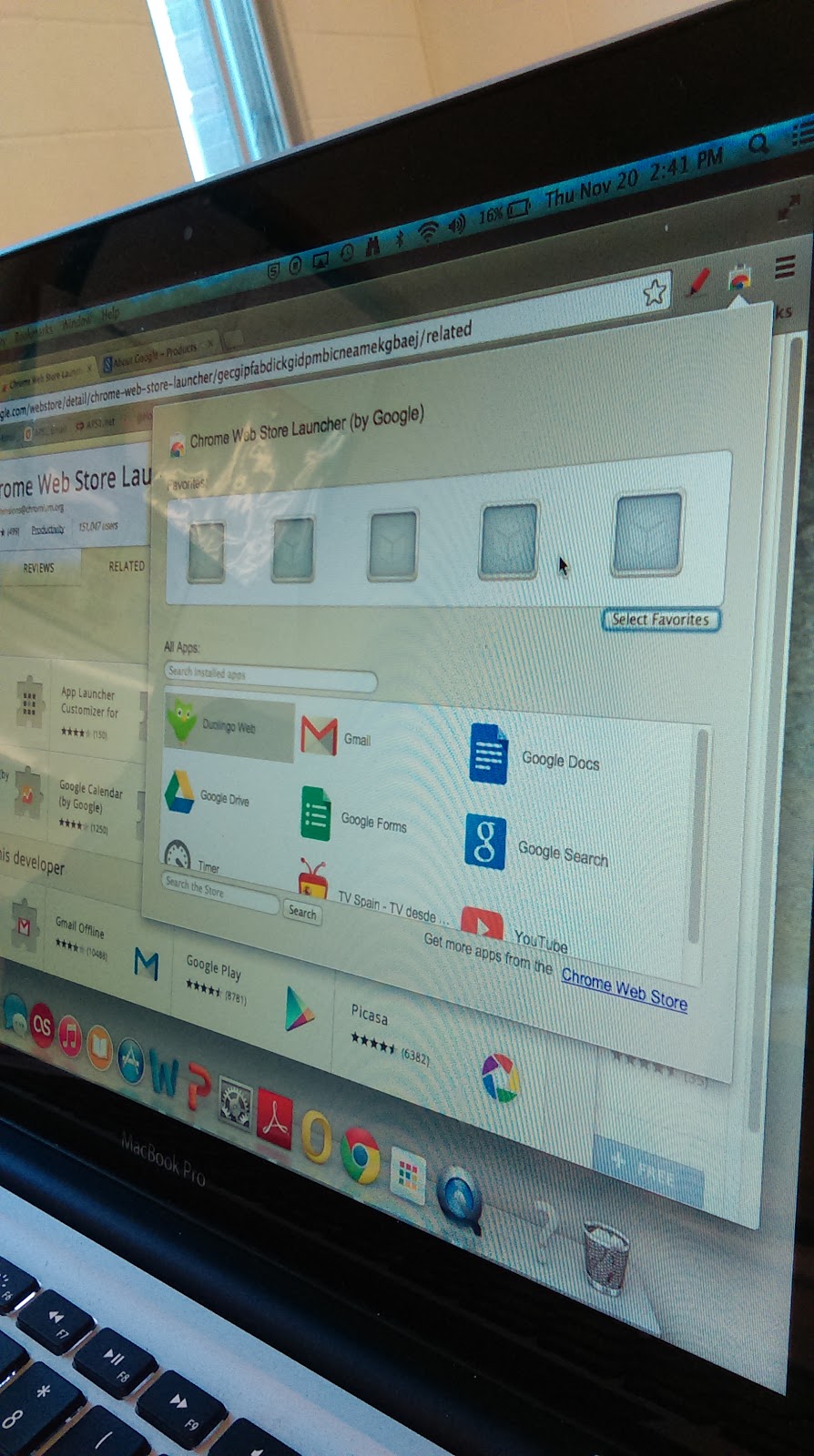
IMAG1244.jpg

This extension has enabled me to add well beyond my share of Chrome Extensions and Apps to my desktop. This launcher enables you to add favaorites within the launcher and also more easily find all the other apps you have added. I highly recommend this as you begin your foray into Google Chrome Apps.


IMAG1198.jpg

Creating Collaborative Forms
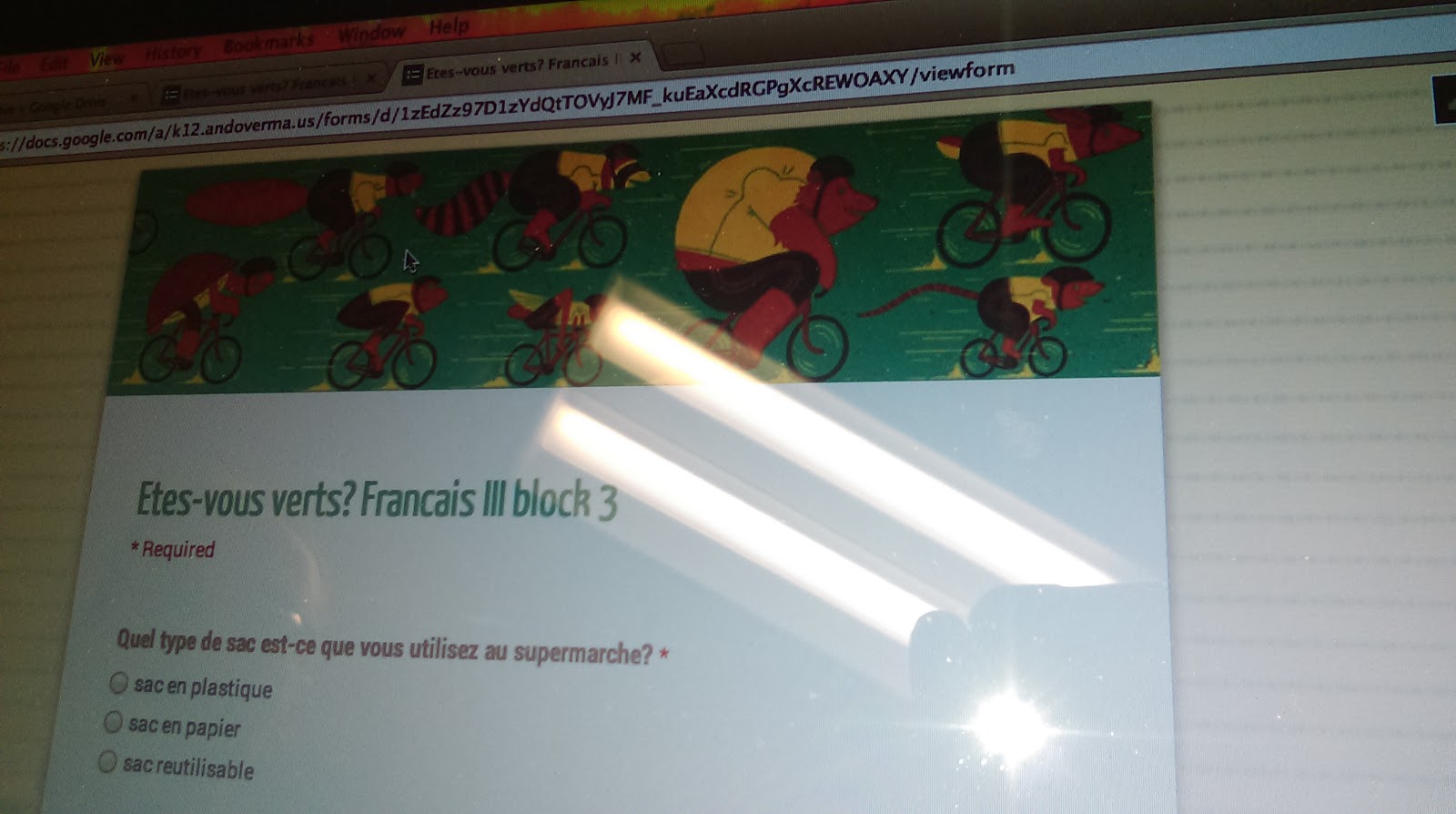
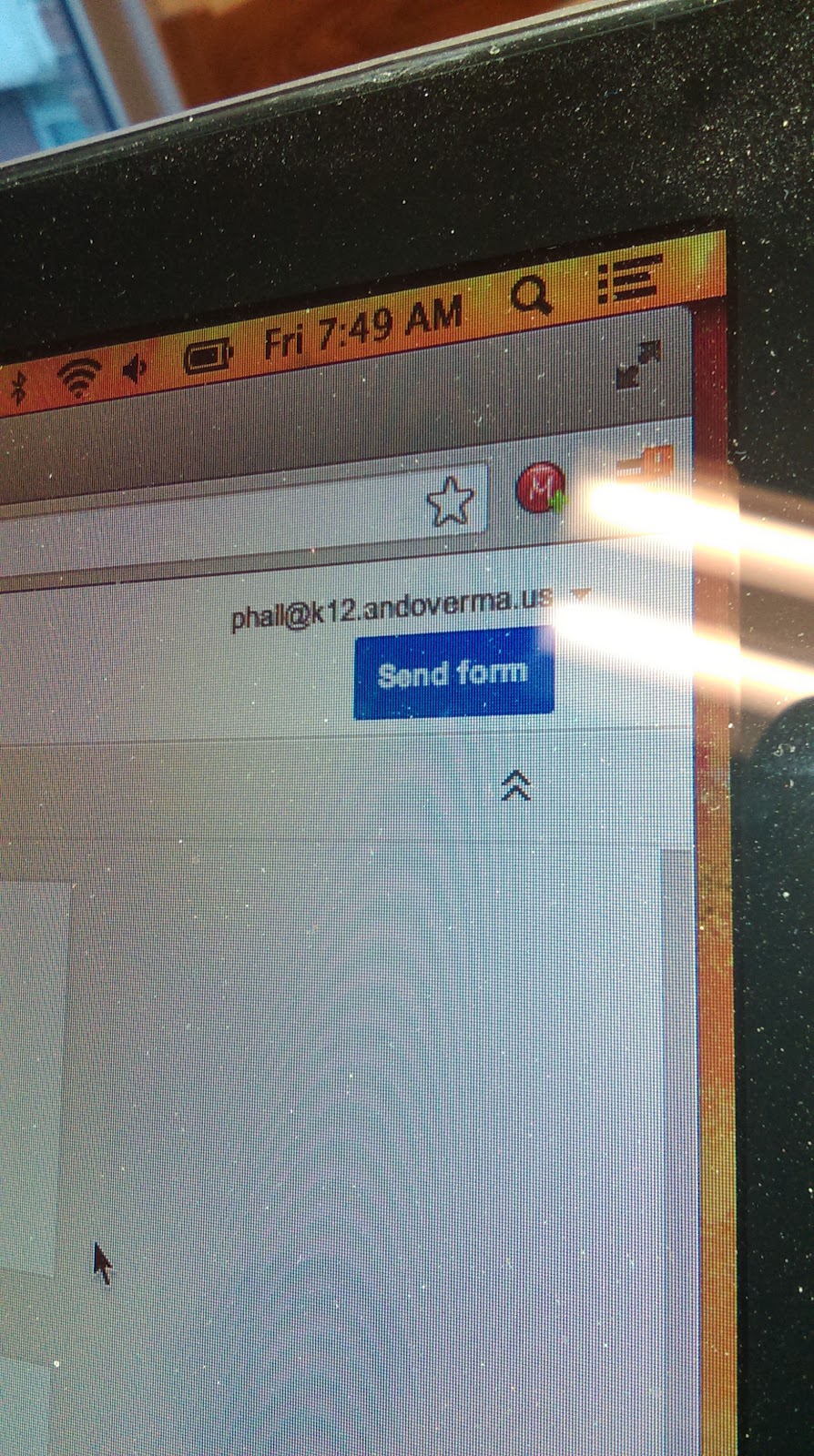
Andover High School French teacher Peter Hall was recently working on a collaborative form with his students which he plans on having students in France respond to. This activity reminded me that while instructing on the use of collaborating on Forms it is important to remember that the form needs to be sent to collaborators to enable editing.


IMAG1190.jpg

On other Google Docs the doc is shared with Forms it is sent to the others and they are added as collaborators.

Monday, November 24, 2014

Instructional Technology & Digital Learning Update For November 1st -7th 2014 Andover Innovation Lab & Help Desk


Parth Valecha Andover Innovation Lab Student Inducted Into National Honor Society At Andover High School

I had the opportunity to attend the national honor Society induction because one of my former students that I had at the Andover innovation lab had selected me as a teacher who had inspired them. Parth Valecha  had worked on a business project last year during his time at the Andover Innovation Lab which combined bluetooth technology for headphones and sports which required swimming or boating. Parth and I had many in-depth conversations on his business plan and how he could more narrowly target his market.  It was an honor that he had invited me to this important event and selected me as a teacher. Parth is a hardworking student who will surely be successful in any venture he takes on.

Release Of Our Help Desk Promotional Video
With the editing of Dan Brennan and the assitance of some of our help desk students we have been able to produce a video which outlines the work we do at the Andover innovation lab & Help Desk.
Check it out below!


Math Department Head Working On Blog With Bryce Corbitt

This week Bryce Corbitt from the Andover innovation lab also began working on the Math Department website with Math Program Coordinator Katherine Richards. They were able to determine a layout that they would like to use with Google sites and also begin to conceptualize some of the content that will be included on the site.  Bryce is been a great asset to the team this year and I know he will do a great job working with Ms. Richards.  This project will probably take the next couple months to complete and will become one of his projects. Bryce has been a great resource to several teachers with his great attitude and approach to helping.


Homework Document for Google Drive

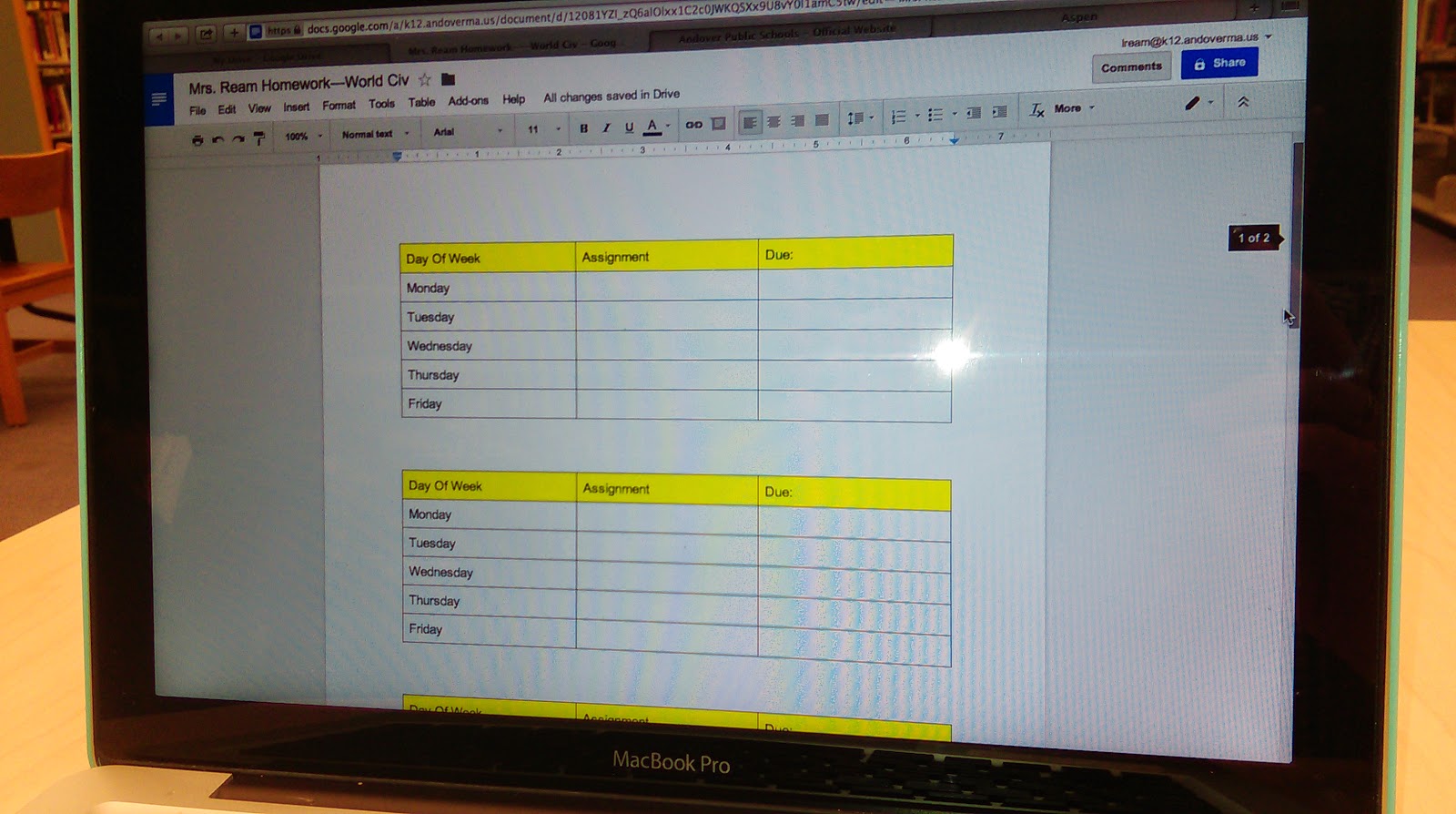
In the process of trying to simplify how to add homework in a streamlined way and Sherrett with parents and students using Aspen I have been showing the use of a Google doc with a shorten link.  On this Google doc I create a table and organize the tables according to the days and weeks of the school day this is an opportunity to keep it consistently organized homework schedule on a live document that teachers do not have to go into Aspen to edit.  This is one of the huge benefits of Google Docs and using shortened personalize the links in order to share materials.  By being able to edit the doc you can consistently update the homework assignments with those who view the consistent link located on the Aspen pages.


Best Practices for Sharing & Editing With Google Drive

I recently started having conversations with both the English and Social Studies Department members about creating a series of best practices for the use of Google Docs and the editing of longer papers.  This process requires an in-depth look at what are the best ways of using the commenting features, sharing features and add-ons that are available with Google Apps for Education.

One of the very cool add-ons that’s available is the Easy Bib for Google docs.  This add on enables students to select a piece of text in their paper and then search for a source for citation on the add one. 


The add on locates the source and adds the citation to an area at the bottom of their page and organizes the citations for the student.  This tool ultimately saves a lot of time and helps keep citations organized within a document.


Flubaroo Training-Tech Byte

This past week I conducted a training for the use of Flubaroo at the Andover Public Schools Tech Byte training. Flubaroo is a great add-on to assist with grading quizzes that are you created with the Google Apps for Education Forms documents.  I have created some tutorial videos that I will link to which shows you how to get started with using Flubaroo and how it can improve the way in which you streamline your quizzes that you provided classes. View Part 1 Of My Video Series On Flubaroo.


Pixlr Tool as Web Based Photoshop Alternative
This past week I was able to recommend the Pixlr tool to our web design teacher Mike Messina.  He was looking for a web-based alternative to Photoshop that allowed him to create graphics of different resolution and size and also enabled the ability to add different types of text and layer styles.  This tool is a great web-based tool that allows you to download any of the images that you create as well as upload images into use within the interface.  Definitely check this tool out if you're on a computer that you're not used to working on our really just need a great web-based option and don’t have Photoshop.

Sunday, November 2, 2014

Andover Innovation Lab & Instructional Technology Update Andover High School Week Of October 27th- 31st 2014


What a great week to be back after a rejuvenating MassCUE conference at Gillette Stadium! At Andover High School we are really in the flow of integrating Google Sites, Google Classroom and a variety of other technology tools into the classroom.

Class Charts Seating Chart App
 I will start off with a share that I got from researching the ability to create class seating charts online with World Language teacher Jen Deschenes. The Chrome Application which is an application available in the Chrome web store on the Chrome Browser named "Class Charts" allows you to create web based seating charts for your classroom. It is simple to use and will help you create multiple class charts in a jiffy.


Health/Physical Education Department
On Monday I had the opportunity to work with the entire Health/Physical Education Department on the creation of their Google Accounts,what it means for them and how they can begin to create,share and work with students using the tools of Google Drive.


They were a great receptive group and many had great questions about getting started in simple ways. My suggestion for many of them was just using a single doc for their continuing update of homework assignments.

Mike Messina
Diagramming for Game Development
In the Digital Learning course Game Design Michael Messina is developing lessons which encourage students to look at the format in which games are developed with HTML5 for the web. Michael Messina has engaged students on a variety of project development concepts in both Web Design and Game Development and we are excited to see his projects through the semester.

Here is Michael outlining the pixel dimensions for students of a web interface of a game.

Karen Stevens
Karen Stevens Entrepreneurship course has been delving into the creation of business plans for their projects. Karen has been developing rubrics which will help students envision their business projects in terms of the key concepts of a business plan. The students have been excited to work on their own ideas and problem solve their concept development.


Dan Brennan & Bryce Work to update iPads
The help desk has been busy updating the iPad cart for the Social Studies department and preparing their formative projects for review. Be sure to check put their most recent blog writing which includes their perspectives on the MassCUE conference and their project work.


Librarian John Berube fresh off MassCUE has been suggesting some great new tools for staff to use in addition to the many research tools such as Ebrary and Boston Public Library tools he already administers. One tool he found was the presentation tool Emaze which can be alternative to other presentation tools such as Goolge Slides, Powerpoint and Prezi. Emaze's features include a very graphic interface for content and many nice templates.

Google Classroom Interface
Tom Powers has continued to power through the use of Google Classroom engaging his students with
the assignments and the ability to submit them online. He has pioneered the use of the platform at the high school and has begun using the high school lab as a tool with classroom to submit the students audio recording as assignments through the use of web tools such as Vocaroo which enables students to record their voice online and send a link to Mr. Powers in Google Classroom.


Jen with her Memes
My week ended with a great meeting with Jen Deschenes on fine tuning who has included the use of student created memes in her classroom to have students quickly form sentences using a "meme" app on their phones. Memes are small photos with text added to give context or create communication.

Jen is also using Google Drive to store student created audio files for quick sharing within folders on her drive.


Thursday, October 30, 2014

Andover Innovation Lab & Help Desk Experiences At MassCue 2014-Lab Overview and Student Help Desk

On early  Wednesday October 22nd 5 students left early and  travelled to Gillette Stadium in Foxboro,Masachusetts from Andover High School as members of the Andover Innovation Lab and Help Desk to be part of the MassCUE(Massachusetts Computer Using Educators event in the form of the student help desk featured in the main concourse. The students participating were Eli Gukovsky,Ari Primak, Will Owen and Bryce Corbitt.


With the assistance of Dan Downs and Dan Brennan the students set up a video which promoted their endeavors at the help desk and helped outline the curriculum which they are part of at the high school. The video below helps outline the process of the Andover Innovation Lab and Help Desk.


This was a great opportunity for the students to better understand the huge movement they are apart of which empowers students to use technology more efficiently with teachers and enables them to work on their own innovative technology driven project. Students had an opportunity to network with other teachers who use technology as a main part of their instruction. 

The students also had a visit from Andover Public Schools Superintendent Dr. Marinel McGrath who visited and chatted and tweeted out her visit with the group.


I was also able to present the Andover Innovation Lab curriculum to a roomful of teachers eager to see how we work on our projects and use blogging as a reflective form of the process. The presentation below outlines the design of the curriculum used at the help desk and provides an overview of several of the students projects. This was a highly beneficial opportunity to share what we do at the Andover Innovation Lab and how this model continues to evolve as we integrate technology in the district.


Wednesday, October 15, 2014

Instructional Technology Update- Andover High School-Grades 6-12 Daniel Downs Week of October 6th-10th 2014


This week began with a tour of Andover High School for a group of  Dutch Superintendents who visited to see how we currently integrate technology within our school. We were able we were able to make a video of their tour with a variety of different classrooms using technology. We  stopped in to the special education rooms, language lab as well as the programming courses labs. Dan Brennan the Media/Video also gave a first hand tour of the Andover Tv Studio. I was able to provide a detailed description of the work students do at the innovation lab and help desk for our visitors as well.
Their tour concluded with a question and answer session with the entire faculty at the end of the day. They also gave out of the gift of the book The UnDutchables to Dr Lord and others who were on the tour. This was a great opportunity to share     our perspectives on technology in education.

I had the opportunity to work with Isa Perez in the World Language department to have an overview of Google Classroom and how she could use it with her students. We also went over the process of adding new page, re-sizing images and content for those pages.  As you can see from the photo of her Google site her page looks great and she is excited to add a calendar for her students as well.


Also in the World Language Department Diana Zawil has been using a variety of great tools to integrate technology into her courses. She is using the cartoon creator http://www.bitstrips.com/
to make cartoons of herself and others to explain language learning opportunities.

She is also using QR codes with her students to quickly get them engaged with content driven language games that she can use to track their vocabulary growth in Spanish. The use of QR codes is growing as creating these codes is easy and can take students to web links,text,images and a variety of other web based content.

I am very impressed with how Diana has integrated these tools and it expands on her ever growing knowledge of the use of technology in the foreign language classroom.


Students in the Innovation Lab have begun working development of tools to assist with learning a Google Sites for teachers.

We also received our t shirts and banner for the library. The banner will hang on the back wall of the library and also be a backdrop for videos and also go along with us to a field trips and other presentations of the students plan on making of the next several months.
Our Blog:
http://bit.ly/andoverinnovation


It's great to finally have something to help us identify ourselves in the library we also have the opportunity to interview process Alicia a student who was part of last year's help desk to be in our promotional video.

At the end of the day on Friday I assisted Dr. Lord with adding a video from his phone straight to his blog to share out with parents. Dr.Lord does a great job of sharing out his experiences from the week on his Principals blog every Friday.
Find his blog here:
http://drchristopherlordblog.blogspot.com/


On Friday I have the opportunity to work with Assistant Principal John Norton to assist a student with a broken his hand to take notes for his classes with Evernote.
Find Evernote here:
https://evernote.com/

I appreciate John Norton pulling me aside  and having the opportunity to work with the student.
It was great to be able to review the benefits of Evernote and how the company has added many new sharing features including the sharing and multiple notebooks.


A great tool I would like to share out this week is the the Cloudconvert Google Chrome App.
Find it here:
https://cloudconvert.org/

This app works within the Chrome Browser and enables you to take video files of a variety of formats convert them to your choice of format(avi,mp4,mkv) and reuploads them automatically back to your Google Drive. The process really is seamless and saves many conversion steps. This is great for sharing online video in a variety of formats.

From The Vault: Business Website Outline Planning Sheet For Business Website Introduction-Web Design 2011


As a continuation of the Business Evaluation Website this sheet is the introduction to the outline of the students ideas for a business website

This sheet can be used to help students to define the key links in the navigation and the minimum amount of content that should be expected in their design. In this lesson for the business website I also included the integration of an image gallery This sheet asks the student define how they would use the image gallery in their design.

This sheet also asks students to target their design towards a specific market which the site will be targeted for and an opportunity to explain the details and specifics of their product or service.

The final question from this sheet asks students to consider how the design elements which will be integrated into this site will influence the design. This is an opportunity to discuss the impact of colors,borders,color schemes,layout and use of text styles and fonts.

As an evaluation of their idea this sheet provides an opportunity to narrow the students scope and focus on the impact of the design on the marketing within the website.

Focus Areas:
Navigation & Planning 
Content
Target Market of Business Concept(customer needs)
Image gallery
Design Elements(color,layout,text)
Project Scope